Create polished,
pro-grade recordings
Everything you need for professional recordings
From raw capture to polished export — CalcFocus handles the entire workflow
Smart Screen Recording
Record entire screens, specific windows, or custom areas with a single click. Supports system audio and microphone recording.
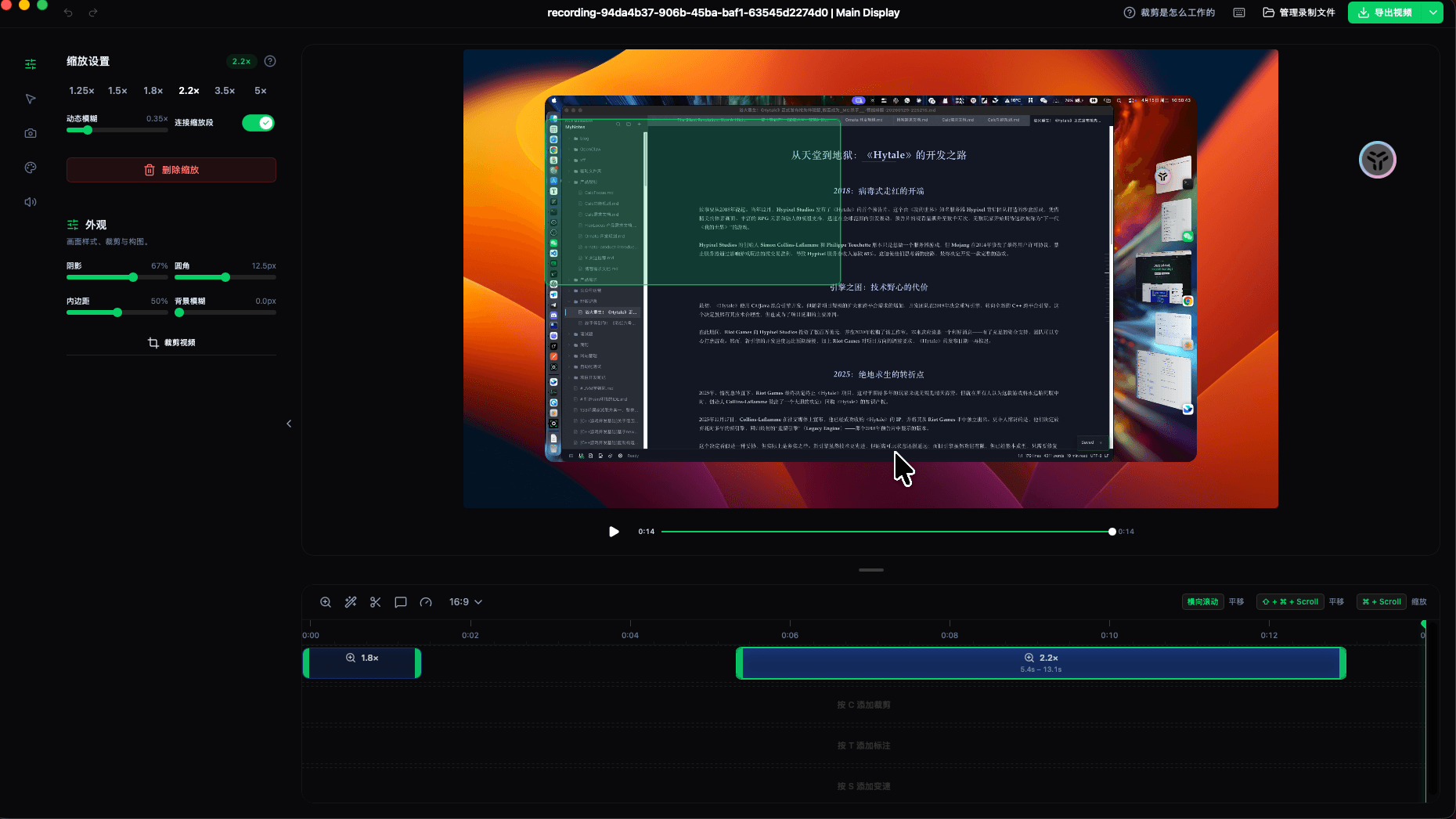
Automatic Zoom
Apple-style zoom animations that follow cursor movement. Manual zoom regions also supported for precise control.
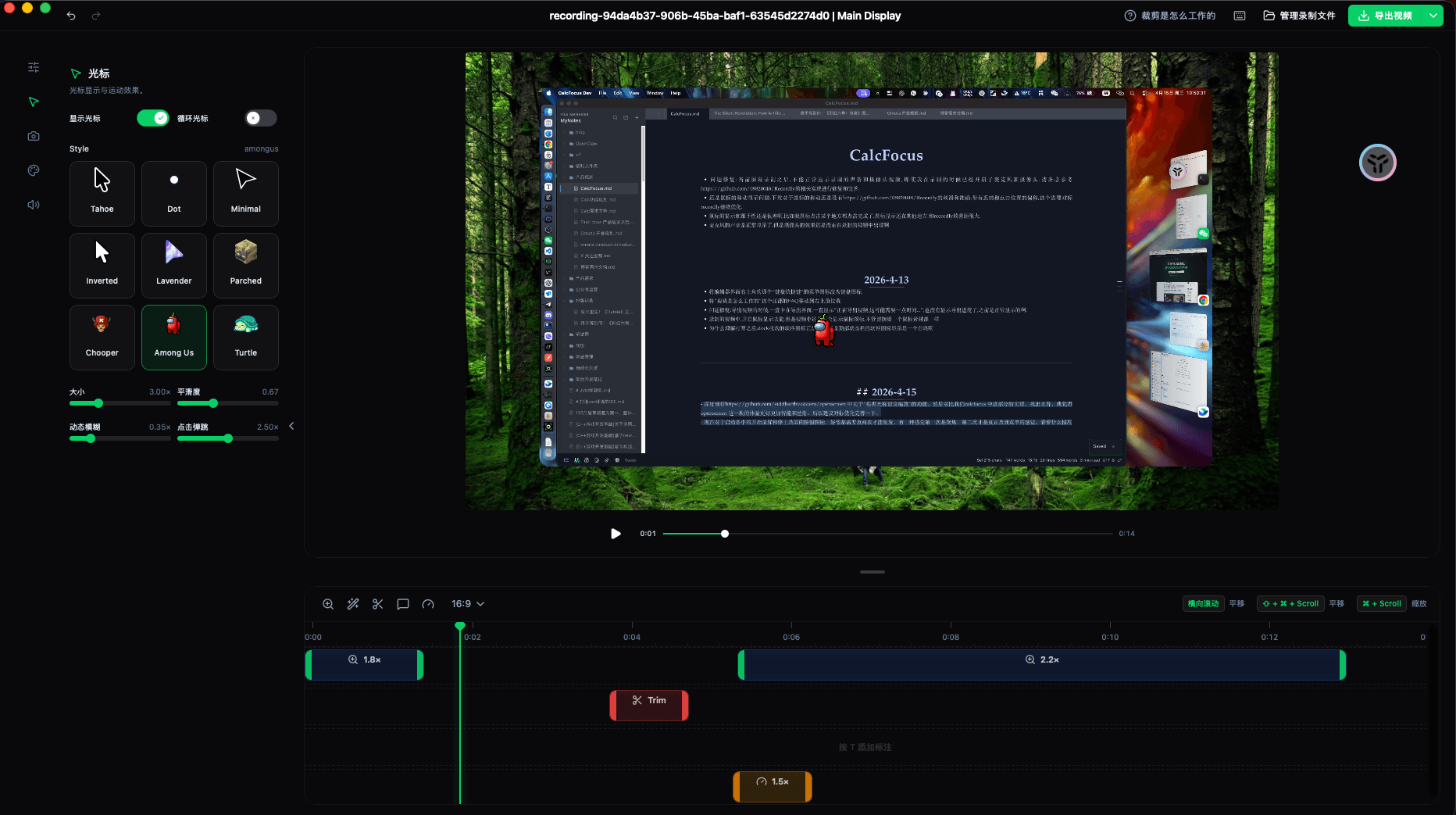
Cursor Polish
Adjustable cursor size, smoothing, motion blur, and click bounce animations for professional-looking recordings.
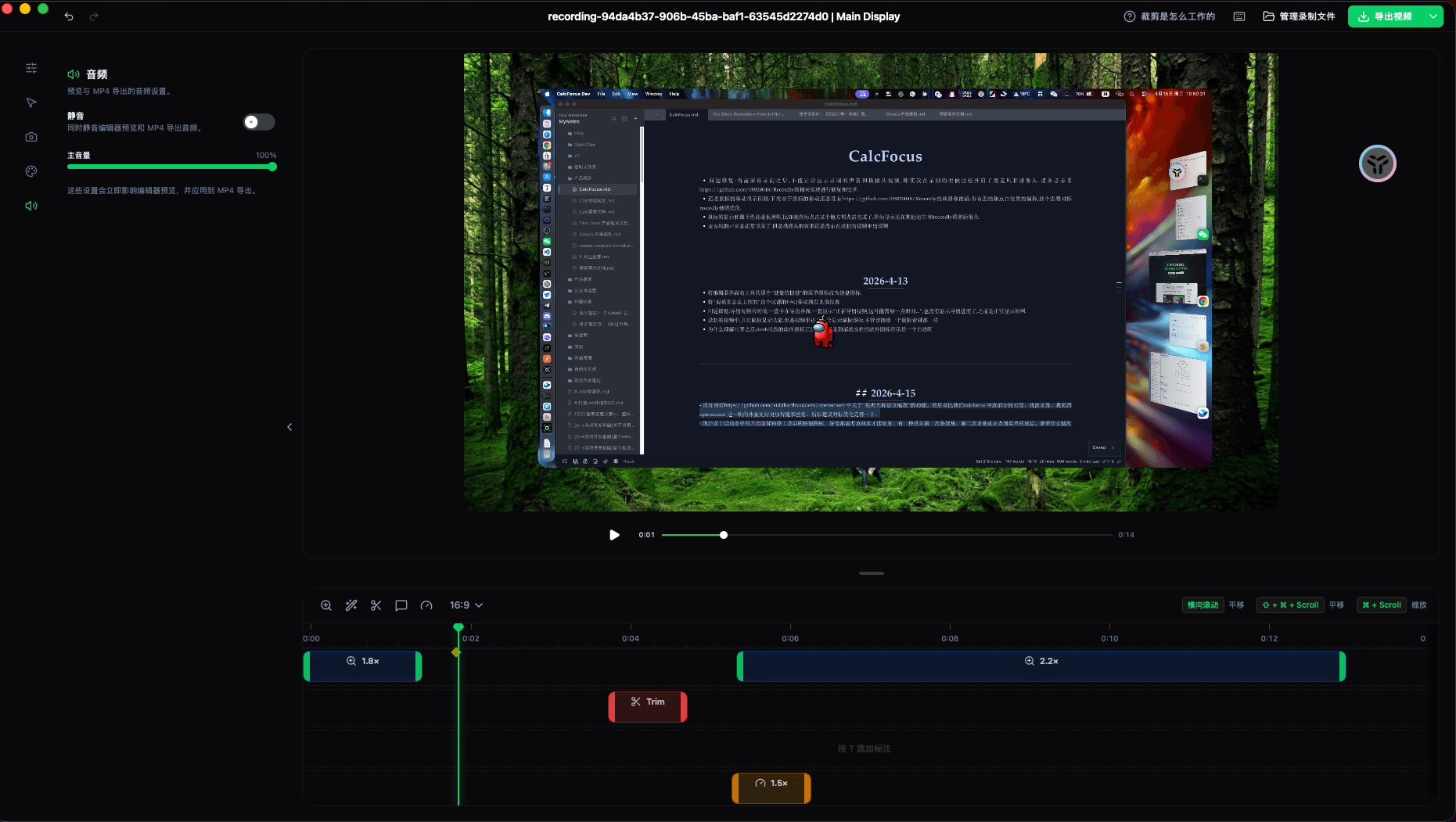
Timeline Editing
Trim, speed up or slow down regions, add annotations and zoom spans — all on an intuitive timeline.
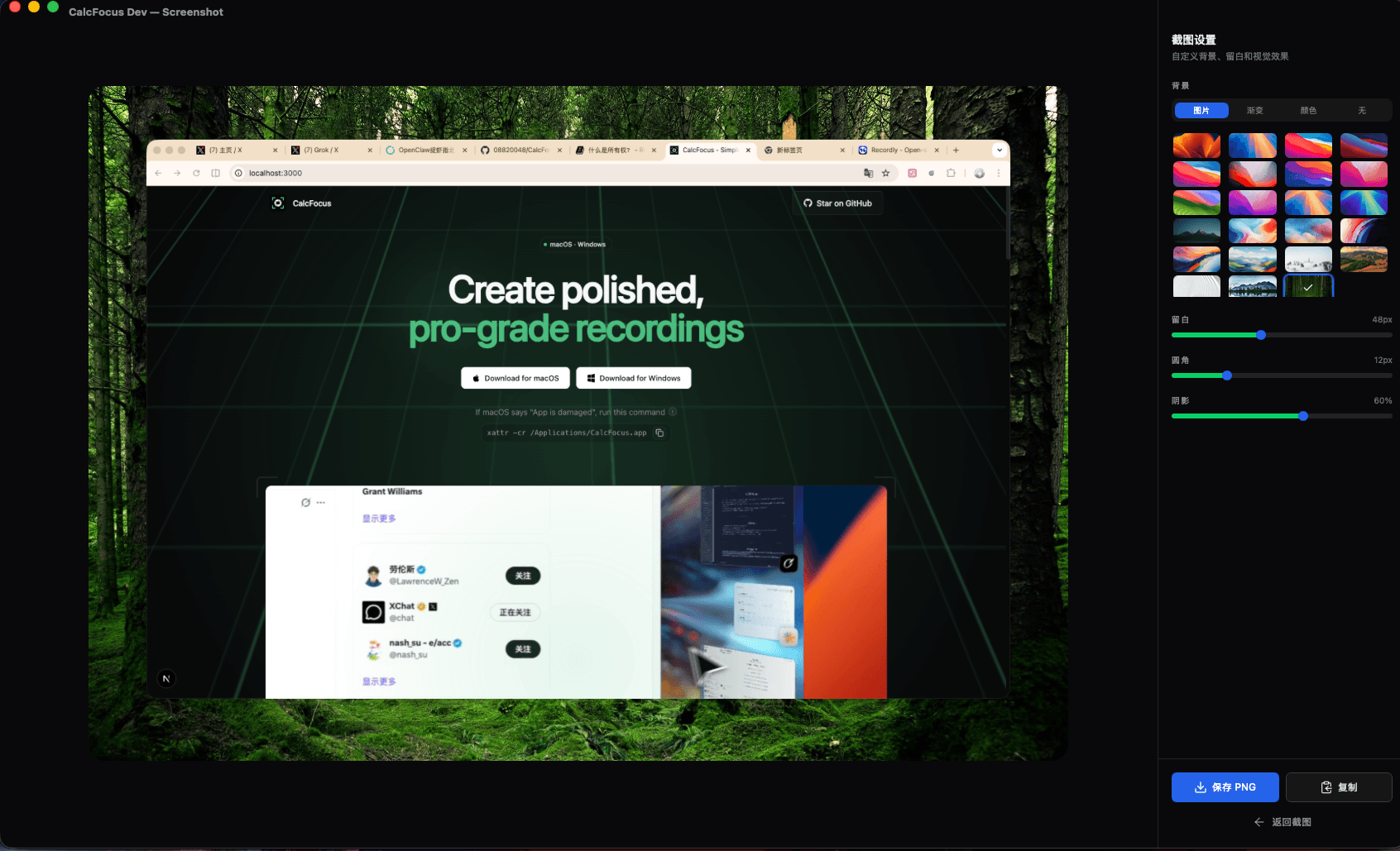
Screenshot Capture
Capture screenshots with built-in editing. Style with wallpapers, gradients, padding, rounded corners, and shadows.
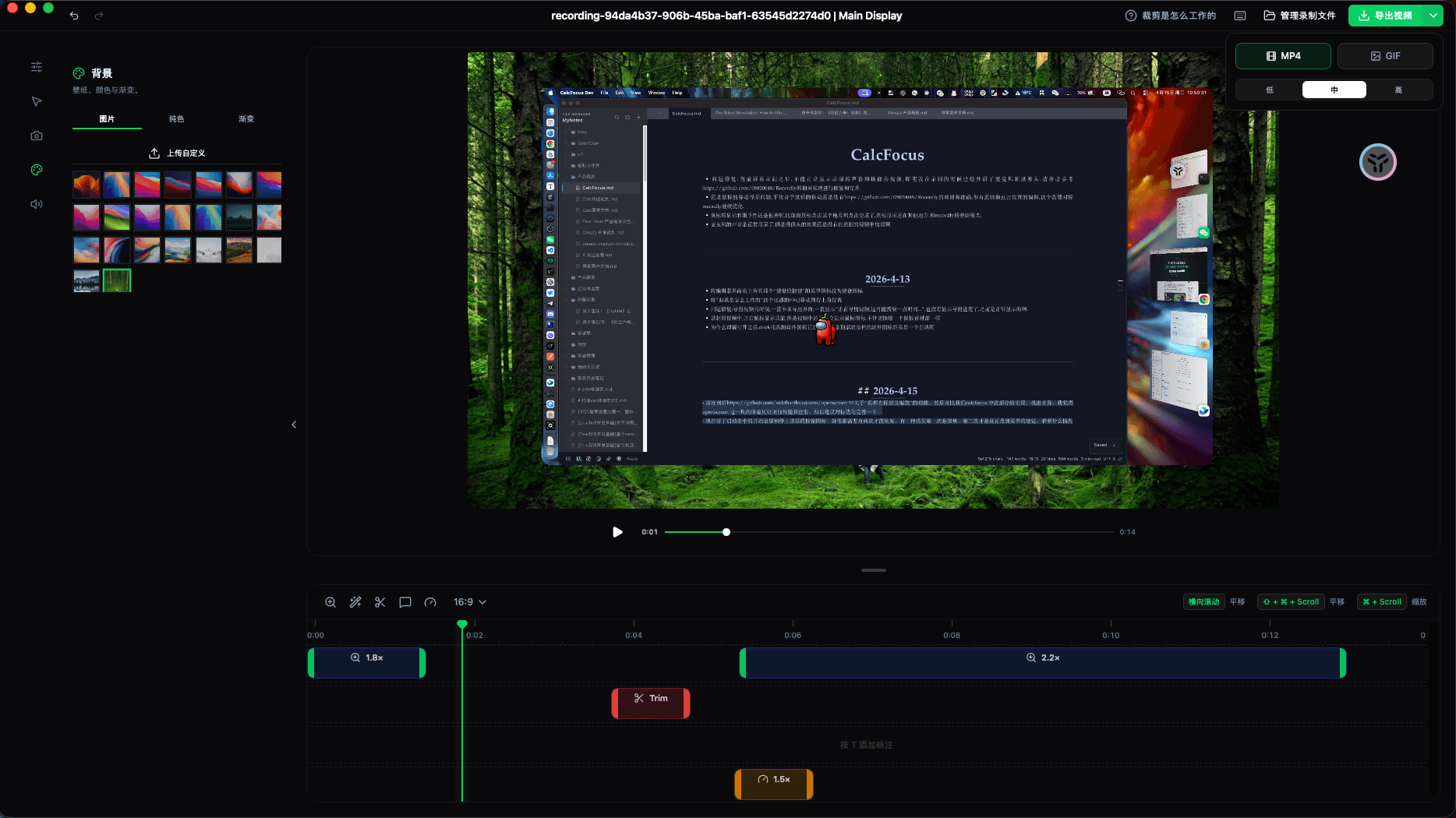
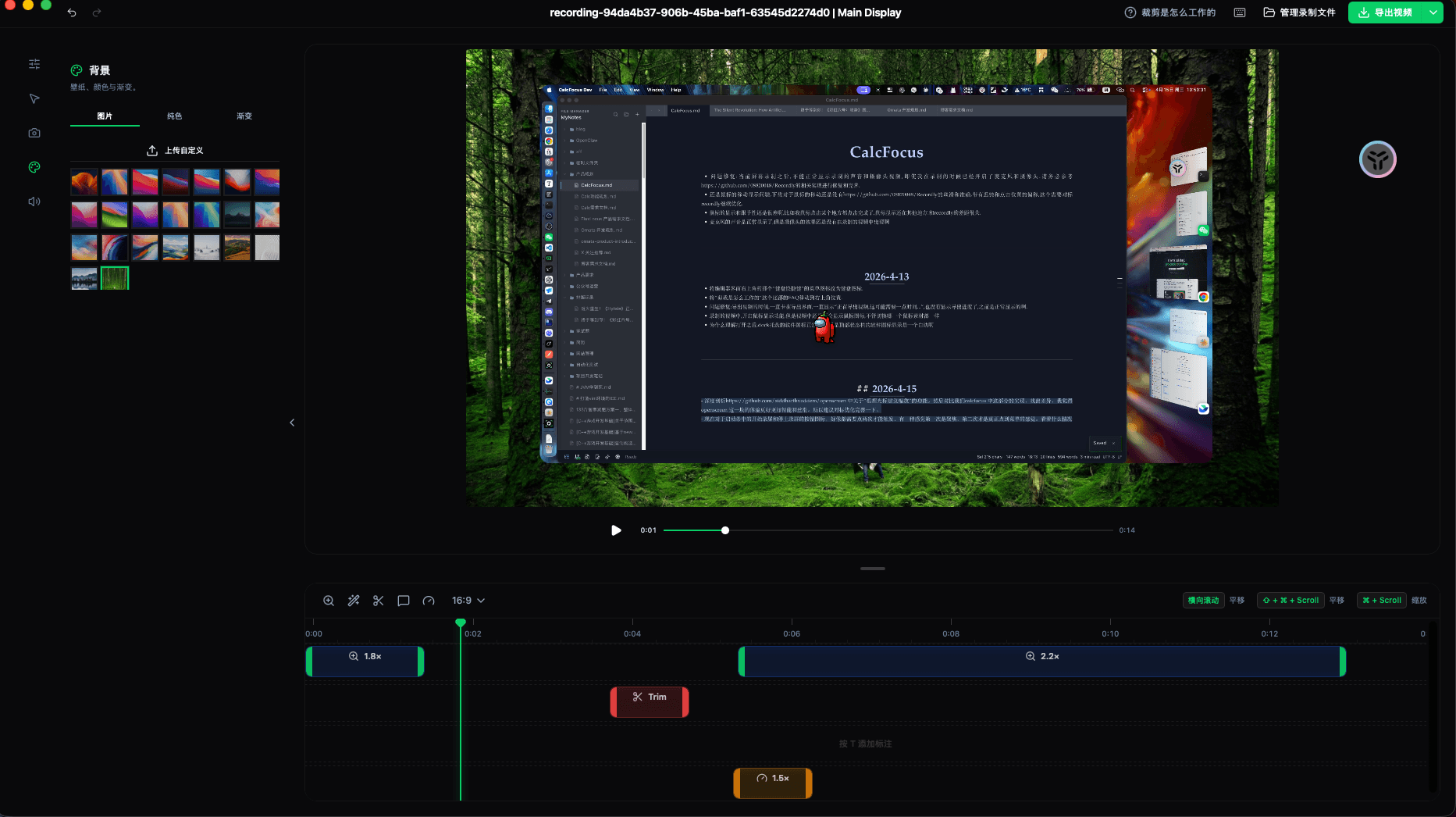
Frame Styling
Add backgrounds, gradients, solid fills, and shadows to your recordings. Export to MP4 or GIF.
Three steps to professional recordings
From capture to export, CalcFocus streamlines your workflow
Record
Choose to record an entire screen, a specific window, or a custom area. Add microphone or system audio.
Polish
Automatic zoom follows your cursor. Add zoom regions, trim timeline, adjust speed, and style frames.
Export
Export to MP4 or GIF with quality settings. Share directly or save your project as a .calcfocus file.
Built for creators and teams
Whether you are making tutorials, demos, or bug reports — CalcFocus has you covered
Product Demos
Create polished walkthroughs and demos that look professional by default
Tutorials
Record tutorials with automatic zoom and smooth cursor animations
Bug Reports
Capture bug reproduction steps with annotations and visual clarity
Presentations
Record presentations with zoom effects on key moments
Technical Docs
Create video documentation with styled frames and exports
Marketing
Produce GIFs and videos for social media and landing pages